


Optimus: Reloaded
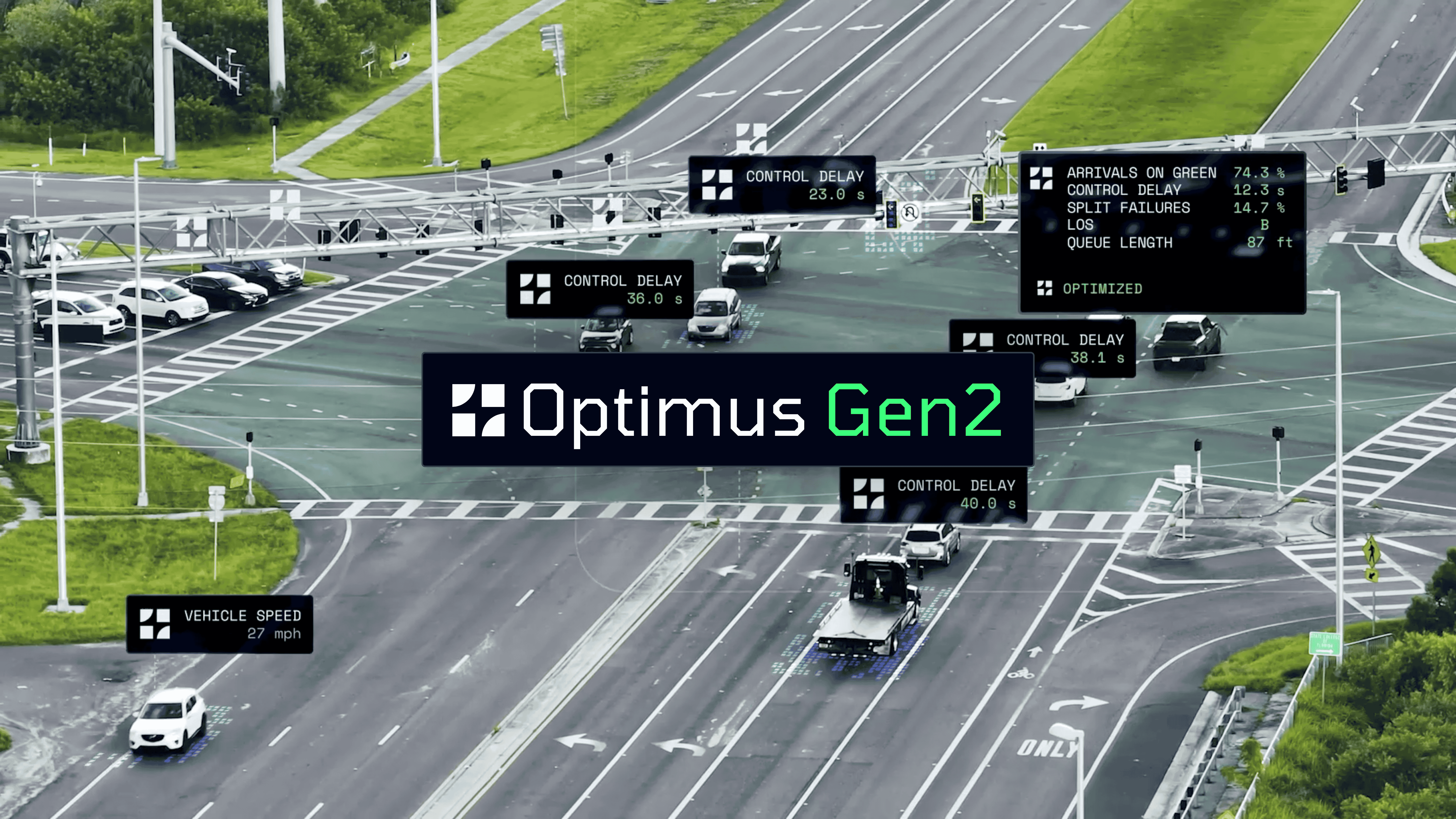
Traffic signals are one of the biggest levers any transportation agency has to manage congestion, safety, and the daily experience of hundreds of millions of US drivers. But for most agencies, that lever is broken.
Today, signal retiming is an incredibly intensive process. Each set of timing plans can take between 30 and 50 hours of engineering time with average costs upwards of $4,500 per intersection. With more than 330,000 traffic signals operating in the United States it’s become impossible to retime them all, and agencies are struggling to even keep up with the standard 3-5 year frequency.
At Flow Labs we’ve decided to address this issue head on. Instead of making incremental improvements to Optimus, we decided to completely re-imagine the product, and rebuild it from first principles. The result is Optimus Gen2, a complete signal retiming environment designed to support engineers through every stage of a signal retiming project: from data collection, to network modeling, to optimization, to validation, to post-deployment monitoring, and before-after impact measurement. Every decision is grounded in real traffic data, and the entire workflow lives in a single platform.
Replace Manual Counts with Continuous Traffic Data
Optimus Gen2 connects directly to the traffic data already being collected by the Flow Platform, including high-accuracy turning movement counts, probe-based signal performance measures, and automated traffic signal performance measures (ATSPMs). There is no more need for a separate data collection phase - for every optimization the volumes, delays, queue lengths, and arrivals on green are already there, covering every intersection, every movement, and every time period.
Because the data is continuously collected, engineers are no longer locked into building timing plans around a single day of manual counts. You can select any historical period as your training data, whether you're developing seasonal plans, preparing for a major event, or targeting a specific week that represents typical conditions. The days of basing three to five years of signal timing on 48 hours of tube counts are over.

Model Networks Automatically at City Scale
Traditional retiming projects start with engineers spending hours or days building and coding a network model before any optimization work can begin. The Flow Platform eliminates this step. Network models are already generated for users using commercial-grade map data and satellite imagery, with roadway geometry, approaches, lane configurations, and detailed intersection layouts already in place.
When you open a new project in Optimus, the model is already calibrated with turning movement counts and performance metrics derived from probe data and ATSPMs. Engineers can move directly into configuration and optimization without spending weeks just on model setup.
Configure Signals at Scale, In One Place
Optimus brings all signal configuration elements into a single interface: phase settings, coordination parameters, offset configurations, and time-of-day schedules. Engineers can enter, edit, and apply timing plans across intersections or entire corridors without switching tools, managing spreadsheets, or reformatting data between systems. You can apply parameters across all signals in a network, all time-of-day periods, or specific intersections based on operational needs.
Optimize for Speed, Safety, and Operational Goals
Most optimization tools ask engineers to define goals, press a button, and accept whatever comes back. Optimus gives engineers full control. You can adjust splits, cycle lengths, and offsets, or lock any of them in place. Each parameter can carry its own upper and lower bounds. Optimizations can apply to a single intersection, a corridor, or an entire network.
Beyond delay reduction, Optimus supports other objectives that traditional tools have never addressed including directional bias to favor a primary flow direction, and side-street tolerances to ensure equitable service across approaches.
Validate, Predict, and Fine-Tune Before Deployment
The biggest risk in any retiming project is deploying a plan and hoping it works. Optimus eliminates that uncertainty by giving engineers a suite of tools to verify, predict, and refine timing plans before anything reaches the controller.
Automatic validation checks every timing plan for internal consistency the moment it's entered. If phase splits don't add up to the cycle length, if offsets are missing or invalid, or if cycle lengths vary across a corridor, the system flags the problem immediately. Optimus also uses probe data to detect clock drift at the controller level and can automatically correct offsets based on observed behavior.
Performance Predictions powered by a graph-based transformer architecture trained on thousands of signalized intersections across the U.S. produces delay estimates with 75% lower error than HCM-based methods. Engineers can see predicted delay, queue length, arrivals on green, and other metrics for any proposed plan, side by side with current conditions, before committing to anything.

Split Analysis lets engineers quickly validate every split change, checking performance measures including control delay, green time, and VC ratios for individual movements to ensure green time is allocated where it's needed. If it’s not, Optimus now offers the capability to quickly fine-tune timing plans to meet your exact specifications.
Interactive Time-Space Diagrams make it easy to understand how offset and split changes are impacting coordination. Using the toggle for before and after allows you to seamlessly compare the optimized timing plans with the pre-existing ones.
.gif)
Together, these tools give engineers the confidence to deploy new timing plans knowing they've been checked, tested against real traffic patterns, and refined to meet their specific objectives. No blind spots between optimization and deployment.
Monitor Performance After Deployment
For most agencies, deploying a new timing plan means one of two things: hoping for the best, or spending the next few days driving up and down the corridor trying to see if things improved. Neither approach gives you real answers.
The Timing Plan Monitor captures performance data in real-time after deployment, measuring the impact of your new timing plan every single day across all key metrics: delay, queue length, arrivals on green, travel time, and more. Engineers can see whether the plan is performing as predicted from the first day it goes live, and can catch problems early if something isn't working as expected.
After 28 days, you have a comprehensive before-after analysis showing the full benefits of the new timing plan, ready to export for grant applications, CMAQ-compliant environmental reporting, stakeholder updates, and internal documentation. No manual data collection. No separate study. The proof builds itself as the plan runs.
Built to Work With What You Have
Optimus works with full ATSPM integrations but does not require them. It supports automated imports and manual entry. Whether you have dense detection coverage or are relying on probe data alone, every capability is available. You do not need to reformat data or standardize controllers.
Ready to see how Optimus Gen2 fits into your retiming workflow? Get in touch with our team at sales@flowlabs.ai
Manage every traffic management system and data in one platform, without the need for new hardware.
.avif)

